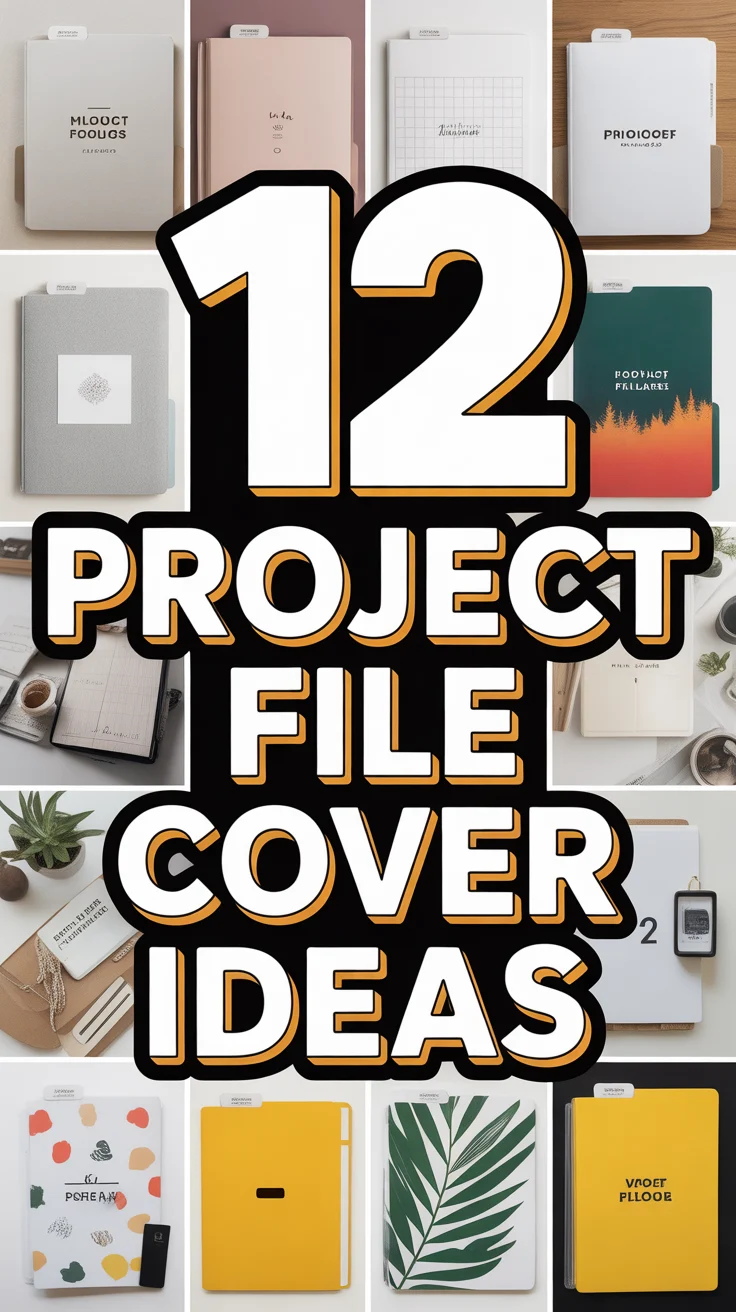
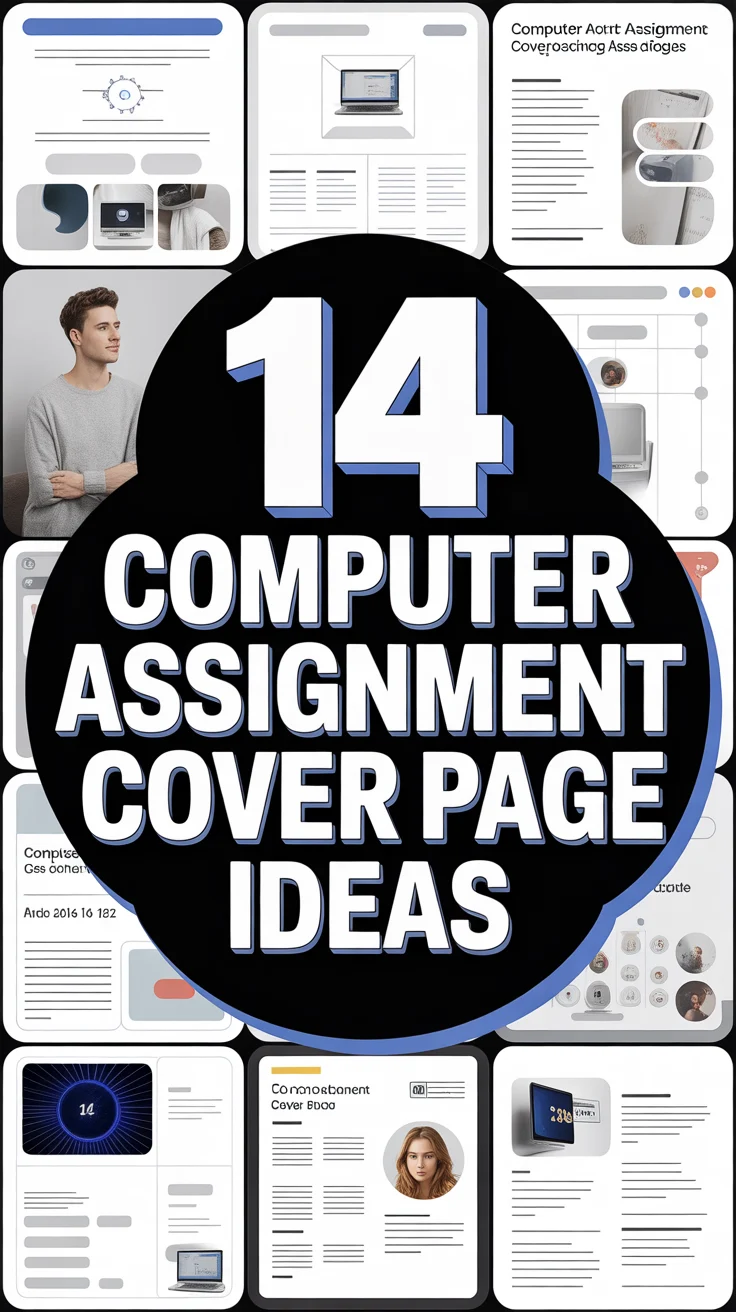
💻 14 Computer Assignment Cover Page Ideas
& CRAFT IDEAS
Beginner-friendly tutorials, creative projects,
and weekly inspiration in your inbox.
Alright, let’s be real. Your computer assignments are probably brilliant, full of complex algorithms and code that would make a supercomputer blush. But then there’s the cover page. Is it still rocking that default Word template from the Stone Age? Yikes.
Your professors probably wade through a sea of identical, uninspired cover sheets. This is your chance to stand out, make a subtle statement, and hint at the genius within, all without resorting to Comic Sans. We’re talking about making an impression before they even read your intro. So, ditch the dull and get ready to upgrade your assignment’s first impression. You’re welcome.
1. The Minimalist Code Block
Clean, sharp, and totally on brand for anything tech-related. Imagine a subtle background of actual code snippets – maybe some Python, maybe JavaScript, but blurred just enough to be an aesthetic texture. Your name and assignment details then pop over it, super crisp and readable.
Pro Tip: Use a monospace font for your text to really lean into that developer vibe. It screams “I know my stuff” without you having to say a word.
It’s understated genius, showing you’re all about the content, not the flash.
2. Retro Pixel Art Power
Throwback vibes are always a win, especially when we’re talking computers. Think 8-bit characters, a low-res computer icon, or even a blocky font that harks back to old-school gaming. Keep the color palette small and punchy, like you’re designing for an Atari.
Pro Tip: Hunt down some free pixel art generators online. You can whip up custom icons related to your assignment’s theme in minutes. Instant cool points, trust us.
This design shows personality and a playful nod to computing history.
3. Abstract Circuit Board Swirls
For when you want to look high-tech without actually showing any code. Use a background that mimics the intricate patterns of a circuit board, but make it stylized and artistic. Think metallic lines, subtle glowing nodes, and a dark, moody color scheme.
Pro Tip: Overlay your text on a slightly transparent, blurred version of the circuit pattern to ensure readability. Clarity is still king, even when you’re being artsy.
It’s sophisticated, modern, and perfectly suited for any computer science topic.
4. The Data Visualization Dream
Turn complex information into an art piece. Use stylized graph patterns, abstract pie charts (aesthetic, not actual data), or network diagrams as your main visual element. A clean, sans-serif font for your title and details is a must.
Pro Tip: Pick a color scheme that’s bold but not overwhelming – maybe two complementary colors and a neutral. It makes it look like you’re already thinking about presenting your findings.
This is smart, visually engaging, and hints at the analytical depth within your assignment.
5. Minimalist Terminal Theme
Channel your inner hacker (the ethical kind, naturally). Imagine a black background with monospace green or white text. Just your assignment title and name, looking like a command-line interface. It’s stark, effective, and screams “computer” in the best way.
Pro Tip: If you’re feeling fancy, add a subtle glowing effect to your text. Just enough to make it pop without blinding anyone.
It’s effortlessly cool and shows you mean serious business.
6. Gradient Glory
Simple, modern, and surprisingly effective. This idea uses a smooth transition between two or three complementary colors as your background. Think techy blues, purples, or greens, with your text in crisp white or a contrasting shade.
Pro Tip: Opt for a linear or radial gradient that feels expansive. It adds depth without any visual clutter, making your assignment title truly shine.
This design is clean, contemporary, and lets your assignment title truly shine.
7. Geometric Grid Glam
Structure meets style, which is perfect for logical thinkers like yourself. A subtle grid pattern in the background, perhaps with some overlapping geometric shapes like triangles or hexagons, works wonders. Pair it with a clean, modern font for your details.
Pro Tip: Vary the opacity of the grid lines or shapes to create a sense of depth without being distracting. It gives a subtle architectural feel.
It’s organized, visually appealing, and suggests precision in your work.
8. The “Glitch Art” Edge
For when you want to break the rules, just a little. Apply a subtle, artistic distortion effect to a background image or even your text. Think digital artifacts, color separation, or a slight “scanline” look. Keep it tasteful, not jarring.
Pro Tip: Apply the glitch effect sparingly to one element, like a corner of the page or a single graphic, to maintain readability. You’re going for edgy, not unreadable.
This design is bold, modern, and shows a creative understanding of digital aesthetics.
9. Sci-Fi Blueprint Vibe
Imagine your assignment is a top-secret project. Use a dark background with glowing blue or green lines that look like a technical schematic or a futuristic map. Think Tron meets architectural drawing, seriously.
Pro Tip: Place your assignment details in a designated “data block” area, perhaps with a subtle border, to mimic a blueprint legend. It adds to the immersion.
It’s instantly captivating and makes your work feel important and forward-thinking.
10. Vector Icon Storytelling
Visual cues can be super powerful, and super sleek. Start with a minimalist background and add a carefully chosen, high-quality vector icon that represents your assignment topic. Think a gear for engineering, a cloud for networking, you get the idea.
Pro Tip: Use a flat design style for your icon to keep it modern and clean. Consistency in line weight and color with your text is absolutely key.
It’s concise, impactful, and communicates your theme at a glance.
11. Subtle Binary Stream
A classic computer motif, but done with elegance. Picture a very faint, almost ghostly stream of 0s and 1s in the background, perhaps fading into a solid color. It’s there, but it doesn’t scream for attention.
Pro Tip: Use a light grey or even white for the binary code against a darker background to keep it subtle. You want background texture, not a distraction.
It’s a sophisticated nod to the core of computing, showing you know your stuff without being flashy.
12. The Material Design Palette
Google made it famous for a reason; it just works. This means clean lines, layered elements (think subtle shadows for depth), and a focused use of color. Choose a primary color and an accent, keeping everything else neutral.
Pro Tip: Use a clean, readable sans-serif font like Roboto or Open Sans, which are hallmarks of material design. It projects professionalism and a modern aesthetic.
It’s universally appealing, professional, and communicates a refined, organized approach.
13. Cyberpunk Cityscape Outline
Embrace the futuristic, slightly gritty aesthetic. Use a silhouetted skyline of a futuristic city (think neon lights, tall buildings) as a background, perhaps in shades of dark blue, purple, or black. Your text stands out in a bright, contrasting color.
Pro Tip: Find line art cityscapes or create your own simple vector outline to keep it clean and not too busy. The focus should still be on your assignment info.
It’s edgy, imaginative, and perfect for assignments dealing with AI, future tech, or digital ethics.
14. The “Dark Mode” Default
Because who doesn’t love dark mode these days? This idea is a sleek, dark grey or black background with crisp white or light-colored text. It’s the ultimate in modern, eye-friendly design. Feel free to add a subtle texture if you’re feeling daring.
Pro Tip: Ensure sufficient contrast between your text and the dark background for maximum readability. A slightly off-white instead of pure white can be easier on the eyes.
It’s effortlessly chic, super readable, and screams “I’m on top of the latest trends.”
Conclusion
So there you have it! No more bland, snooze-inducing cover pages for you. With these ideas, you’re not just submitting an assignment; you’re making a statement. Your professors will notice, your classmates will be jealous, and your grades will… well, they probably won’t just be from the cover, but it definitely won’t hurt. You’ve got this, go make that first impression count!
& CRAFT IDEAS
Beginner-friendly tutorials, creative projects,
and weekly inspiration in your inbox.