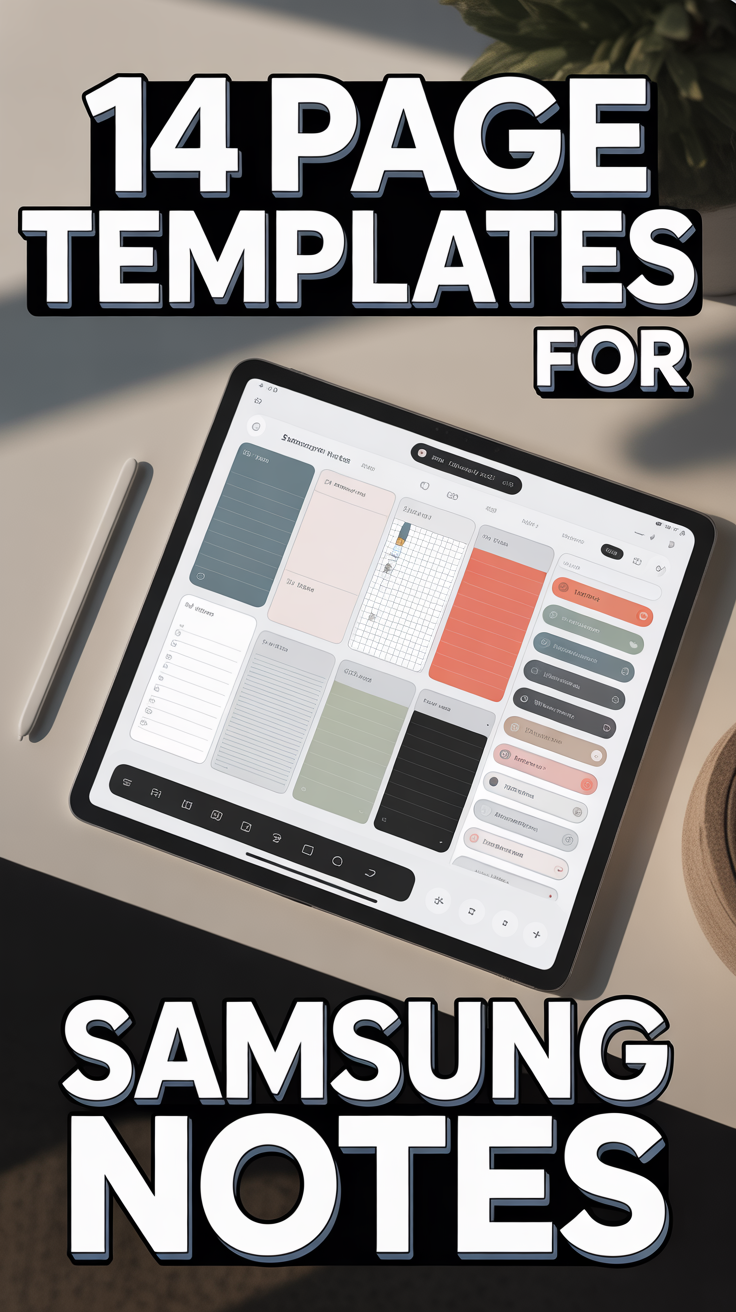
📝 14 Page Templates For Samsung Notes
Okay, real talk. Samsung Notes is already pretty epic, right? It’s like your digital brain, sketchbook, and secret diary all rolled into one slick app. But let’s be honest, staring at a blank page can sometimes feel less like an invitation to creativity and more like a staring contest you’re definitely going to lose.
That’s where templates swoop in like a cape-wearing superhero for your productivity. They transform those plain canvases into organized masterpieces, ready for whatever brilliant thoughts you’re about to unleash. Think less “uh, what now?” and more “let’s get this done, beautifully.” We’re talking about turning your Note-taking game from “meh” to “masterclass.”
So, ditch the digital dread and get ready to elevate your Samsung Notes experience. We’ve got 14 killer page templates that will make you wonder how you ever lived without them. Prepare to become the envy of all your digitally disorganized friends.
1. Weekly Planner
Tame that wild schedule before it tames you. This template lays out your week at a glance, giving you the power to actually see what’s coming (and maybe avoid a few double bookings).
You get clear sections for each day, dedicated spots for your top priorities, and even a little corner for those random to-dos that pop up. It’s perfect for juggling work, life, and that ever-growing list of “stuff I should probably do eventually.” Pro tip: color-code your tasks for different life areas, like work, personal, or “must watch that new show.”
Why it works: Visual clarity is your best friend here. It makes forgetting that dentist appointment virtually impossible.
2. Daily Journal or Gratitude Log
Spill those digital beans and get your thoughts organized. This template provides a structured space for your morning intentions, evening reflections, and a dedicated spot to list what you’re genuinely grateful for.
It’s like a personal pep talk and a peaceful wind-down, all in one. You can use prompts to guide your thoughts or just free-write your heart out. Pro tip: add a quick mood tracker at the top or bottom for an instant emotional check-in throughout your week.
Why it works: Boosts mindfulness, keeps you grounded, and helps you appreciate the small wins (even when the Wi-Fi is out).
3. Meeting Notes Template
Conquer corporate chaos and never miss a key decision again. This template is your secret weapon for looking like the most prepared person in the room, even if you just rolled out of bed.
It features structured sections for the agenda, attendees, action items, critical decisions, and crucial follow-ups. You’ll capture everything important and know exactly what to do next. Pro tip: use your S Pen to sketch out diagrams or flowcharts mid-meeting for instant visual clarity.
Why it works: Professional, organized, and makes you look like an absolute genius.
4. Project Tracker
Turn your grand dreams into actionable to-do lists that actually get done. This template is for those big ideas that need a little more love than a simple checklist.
It includes spaces for the project name, overarching goals, distinct phases, hard deadlines, assigned tasks, and even a little progress bar you can fill in. Watching that bar grow is strangely satisfying. Pro tip: break down large tasks into smaller, manageable chunks to avoid feeling overwhelmed.
Why it works: Visualizes progress, keeps you accountable, and helps you see the light at the end of the project tunnel.
5. Reading List or Book Notes
Become a literary legend and catalog your intellectual adventures. This template helps you keep track of all the books you want to read, are reading, and have devoured.
You get fields for the book title, author, genre, start and finish dates, key takeaways, and your absolute favorite quotes. No more forgetting that profound insight from chapter three. Pro tip: link directly to Goodreads or a relevant review with a quick copy-paste for future reference.
Why it works: Remembers what you’ve read, makes you sound incredibly smart at parties, and ensures you never forget a good recommendation.
6. Budget Planner
Master your moolah with financial wizardry that requires no actual magic. This template brings clarity to your cash flow, helping you understand where every penny goes.
It includes sections for income, fixed expenses, variable expenses, crucial savings goals, and a detailed transaction log. Say goodbye to that mysterious hole in your wallet. Pro tip: review your spending habits weekly to catch any budget-busting surprises before they become a problem.
Why it works: Keeps your bank account happy, significantly reduces money-related stress, and empowers you to make smarter financial choices.
7. Meal Planner or Grocery List
Say goodbye to the “what’s for dinner” dilemma and embrace delicious, organized eating. This template simplifies your weekly meal prep and grocery shopping.
You get clear weekly meal slots, a space for all the ingredients you’ll need, and a dedicated grocery list section that you can conveniently check off. No more forgotten cilantro! Pro tip: plan your meals around ingredients you already have in your fridge to minimize waste and save some serious cash.
Why it works: Promotes healthier eating, saves money, and drastically reduces decision fatigue at the end of a long day.
8. Fitness Tracker
Crush those goals with your very own personal digital coach. This template is designed to keep you motivated and on track with your health and fitness journey.
It features a workout log, progress tracking for weights, reps, or cardio, notes for meal prep, and even a spot for your daily water intake. Seeing your progress visually is a huge motivator. Pro tip: integrate photos of your progress directly into the note to stay inspired on those tough days.
Why it works: Visualizes gains, keeps you accountable to your body, and makes hitting those fitness milestones feel even better.
9. Travel Itinerary
Adventure awaits, but with a plan that makes exploring a breeze. This template ensures your trips are smooth sailing from take-off to touchdown.
You get dedicated spaces for flight information, accommodation details, daily activities, a comprehensive packing list, and all your important contacts. No more frantic searches for booking confirmations. Pro tip: attach screenshots of your bookings directly into the note for quick, offline access.
Why it works: Ensures stress-free travel, helps you stay organized, and makes sure you don’t forget your passport (again).
10. Brainstorming or Mind Map
Unleash your inner genius and get those brilliant ideas out of your head and onto the page. This template is perfect for when you need to connect the dots.
It provides a central topic with branching ideas, ample space for quick sketches, and visual connections. It’s like a digital whiteboard, but way cooler. Pro tip: use different pen colors in Samsung Notes to differentiate idea categories or highlight key points.
Why it works: Visualizes thoughts, sparks creativity, and helps organize even the most complex ideas into a digestible format.
11. Client Notes or CRM Lite
Impress clients with your incredible recall and stay on top of all your professional relationships. This template acts as your mini customer relationship manager.
It includes fields for the client’s name, contact information, key discussion points from meetings, crucial follow-up actions, and clear next steps. You’ll always be prepared. Pro tip: create a dedicated folder for each client in Samsung Notes to keep everything super tidy and easily accessible.
Why it works: Builds trust, ensures no detail slips through the cracks, and makes you look incredibly polished and professional.
12. Goal Setting Tracker
Manifest your dreams and make those big aspirations a tangible reality. This template helps you break down your grand visions into achievable steps.
You can list long-term goals, break them down into smaller, actionable steps, set clear deadlines, track your progress updates, and even note potential obstacles. Pro tip: review your goals monthly to adjust strategies and celebrate small wins along the way.
Why it works: Provides clear direction, keeps your motivation consistently high, and turns wishes into impressive achievements.
13. Habit Tracker
Become the best version of yourself, one tiny habit at a time. This template makes building better routines both simple and satisfying.
It features a list of your desired habits, daily or weekly checkboxes to mark your progress, and space for reflections or tracking your impressive streaks. Pro tip: don’t try to track too many habits at once; start small with one or two and build up gradually.
Why it works: Visualizes progress, reinforces positive behaviors, and makes consistency surprisingly fun and rewarding.
14. Wishlist or Shopping Tracker
Impulse buys? Not on your watch. This template helps you spend smarter and get what you truly want, without the buyer’s remorse.
You can list items, their price, where to buy them, the date added, your priority level, and even add space for comparison notes. Pro tip: add a photo of the item directly to the note for a visual reference and to help you truly decide if you need it.
Why it works: Prevents impulse purchases, helps you save for what you truly desire, and makes your spending more intentional.
Conclusion
So there you have it! Samsung Notes isn’t just a basic notepad; it’s your ultimate digital playground, especially when you arm yourself with these game-changing templates. They’re not just about being neat; they’re about boosting your productivity, sparking your creativity, and keeping your brain organized without breaking a sweat.
Stop staring at that blank page like it’s a challenge. Go forth and template like the organized, brilliant boss you are!